
DO NOT CLOSE THIS TAB YET
THANK YOU FOR YOUR PURCHASE!
TO ENSURE YOUR INTERNET IS CONNECTED SEAMLESSLY, PLEASE READ THE FOLLOWING:
- We have received your order and you will be connected within 24 hours.
- You will receive an email form support@iqnet.com.au.
- The first email from us will be your payment invoice.
- The second email will be your user identification to setup your router.
” This information will also be displayed within 24 hours in > My account > subscriptions > Click View”.
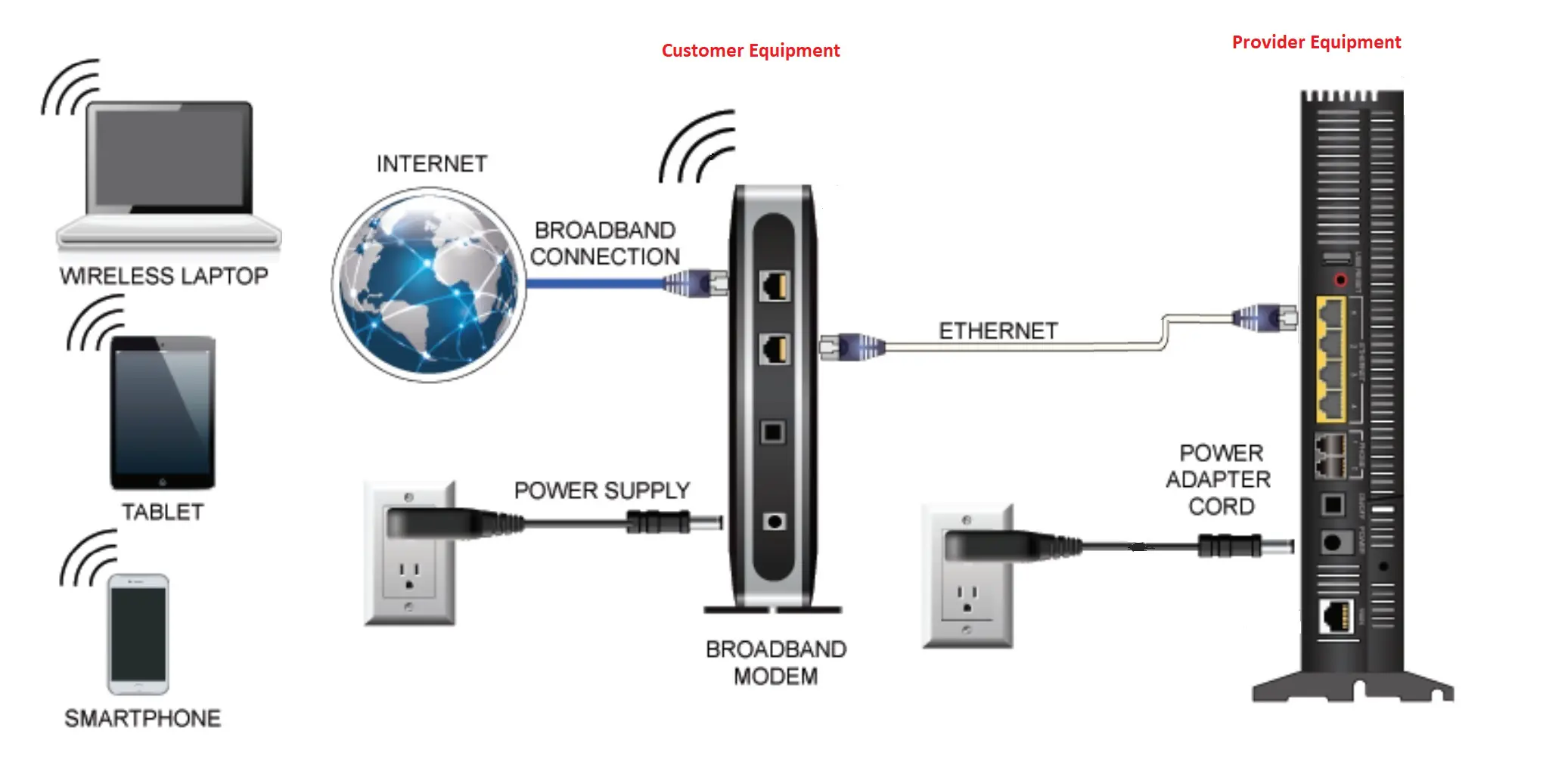
IF YOU HAVE PURCHASED YOUR MODEM FROM US, WATCH SHORT VIDEO ON HOW TO CONNECT YOUR INTERNET.
HOW TO SET UP TP-LINK ARCHER A6 VIA THE WEB BROWSER
HOW TO LOG INTO A ROUTER’S WEB INTERFACE
IF YOU ARE USING YOUR OWN MODEM “ROUTER”.
- Make sure your modem “Router” is not locked by your previous internet service provider.
- Find out the brand and model number, Search for the user instructions.
- Login to your modem “Router”.
- Follow the manufacturers user instructions.
There are many modems “Routers” in the market.